How Long Does a Projector Light Bulb Last?
Projector illumination sources degrade over time depending on technology and usage habits. Mastering your projector's runtime metrics ensures optimal brightness and contrast for years.
Traditional UHP lamps typically last 2,000 to 5,000 hours, whereas modern solid-state laser and LED engines easily exceed 20,000 hours of sustained performance before losing critical brightness.
Ready to compare verified models? Start with our Best Christmas Projector Lights: Top Holiday Picks.
Practical Quick-Reference Table
| Illumination Type | Average Lifespan | Maintenance Requirement |
|---|---|---|
| UHP Mercury Lamp | 2,000 - 5,000 Hours | Periodic module replacement required |
| Laser Phosphor Engine | 20,000 - 30,000 Hours | Sealed optical block, zero bulbs |
| RGB LED Light Source | 20,000 - 30,000 Hours | Solid-state, non-user serviceable |
| ECO Mode Setting | +30% to +50% Hours | Reduces thermal stress on housing |
| Air Filter Cleaning | Every 100 - 300 Hours | Prevents overheating and early failure |
| Brightness Half-Life | Varies by tech | Defines the end of useful life |
Comparing Illumination Technologies: Lamp, Laser, and LED Lifespans
Projector illumination technologies have evolved significantly over the past decade. Traditional high-pressure mercury lamps offer 2,000 to 5,000 hours of peak output before severe degradation occurs in your optical engine.
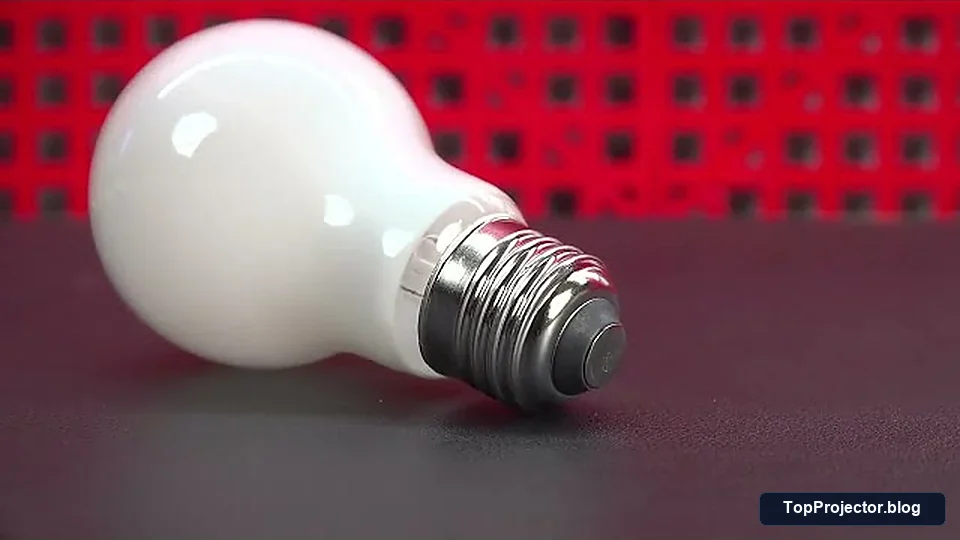
Solid-state alternatives change the maintenance equation completely. Modern laser engines featured in our best projector under 1000 guide routinely achieve 20,000 hours of operational lifespan.
Traditional high-pressure mercury lamps typically max out at 4,000 hours in standard mode, while modern solid-state laser diodes routinely deliver 20,000 hours of sustained luminance before hitting half-brightness decay thresholds.
- Traditional UHP lamps require periodic module replacements every few years.
- Laser light engines maintain wide color accuracy much longer over time.
- LED sources generate less thermal heat, protecting internal polarizing plates.
- Solid-state laser systems cannot have user-replaceable consumer bulbs installed easily.
- Mercury vapor lamps degrade rapidly in color accuracy over time.
UHP Mercury Lamps Versus Solid-State Engines
Mercury lamps degrade gradually, losing intensity linearly over time. Solid-state lasers maintain stable performance until hitting sudden threshold drops near the 20,000-hour mark of continuous operation.
Choosing between these technologies depends on your daily viewing habits. Heavy daily users benefit immensely from solid-state longevity, while casual weekend viewers find traditional lamps quite economical.
- UHP lamps have higher initial brightness for lower upfront costs.
- Laser projectors eliminate recurring lamp module purchase expenses.
Solid-State Decay Rates
LEDs and laser phosphor engines utilize rigid thermal management designs, maintaining 80% contrast ratios over extended operational lifespans compared to traditional consumable arc lamps.
- Laser engines eliminate traditional lamp replacement downtime entirely.
Understanding Lamp Modes and Their Impact on Runtime Hours
Your projector's power configuration directly dictates component longevity. Utilizing ECO mode lowers bulb wattage, reducing thermal stress and extending total bulb life by up to 50 percent compared to standard operation.
Dynamic brightness algorithms adjust light output based on image content. This smart dimming reduces overall thermal fatigue on the mercury arc tube without sacrificing peak contrast during dark cinematic scenes.
Utilizing Eco-Mode reduces fan noise below 28 decibels while extending lamp life by up to 50 percent by lowering internal operating temperatures across the mercury arc gap.
- Normal mode delivers maximum foot-lamberts for rooms with ambient light.
- ECO mode drops fan noise while significantly extending bulb operating hours.
- Dynamic contrast modes modulate voltage to preserve fragile lamp filaments.
- Eco-Mode slightly decreases peak image brightness levels.
Balancing Lamp Life Against Peak Image Brightness
Running your projector in high-brightness mode accelerates phosphor degradation and glass embrittlement. Calibrating your screen size properly allows you to use ECO mode safely without losing HDR punch.
Always match your room lighting control to your projector mode. Total blackout conditions let you drop down to ECO mode immediately, preserving valuable lamp hours every single movie night.
- Evaluate ambient light before selecting permanent lamp power profiles.
- High-altitude settings increase fan speeds to offset thinner air density.
Dynamic Contrast Trade-Offs
High-brightness presentation modes push optical drivers to maximum voltage tolerances. As noted in our Epson Home Cinema 3800 review, this accelerates phosphor wheel degradation and shrinks native dynamic contrast.
- Always calibrate custom user modes for optimal longevity.
Video Walkthrough: Tip #1 Environment
How to Check Your Projector's Current Lamp and Laser Hours
Monitoring your optical engine runtime prevents unexpected failures during movie nights. Every modern home theater projector includes an internal information menu tracking exact usage hours in real time.
Accessing this diagnostic data takes only a few remote clicks. Navigate to the system settings or status tab to read precise hour totals for both Normal and ECO operating modes.
Accessing your projector's system diagnostic menu via the infrared remote reveals precise runtime hours stored directly on the internal motherboard EEPROM memory chip rather than the bulb assembly.
- Open the main on-screen setup menu using your physical remote control.
- Scroll downward to find the status, information, or device info page.
- Note the accumulated hours to calculate your average yearly consumption.
- Reset bulb counters strictly after installing brand-new hardware.
Interpreting System Status Logs and Warning Indicators
Hardware diagnostic screens often display color-coded warning flags. A flashing orange status light usually signals that your lamp has surpassed its rated operational threshold safely.
Keep a written log of your readings every six months. Tracking usage velocity helps you budget for replacement modules long before catastrophic bulb failure occurs unexpectedly.
- Check physical indicator lights beside the projector power button.
- Consult your manual if unfamiliar with specific blinking LED codes.
OS Menu Navigation Shortcuts
Navigate directly to the device information page using specific remote button combinations. Consulting our BenQ throw ratio guide helps verify exact lamp hours before purchasing replacement modules.
- Check service manuals for hidden diagnostic menu codes.
Key Warning Signs That Your Projector Bulb is Failing
Projector lamps rarely fail without providing noticeable visual cues. A severe drop in overall image brightness, often accompanied by washed-out colors, indicates advanced phosphor and arc tube wear.
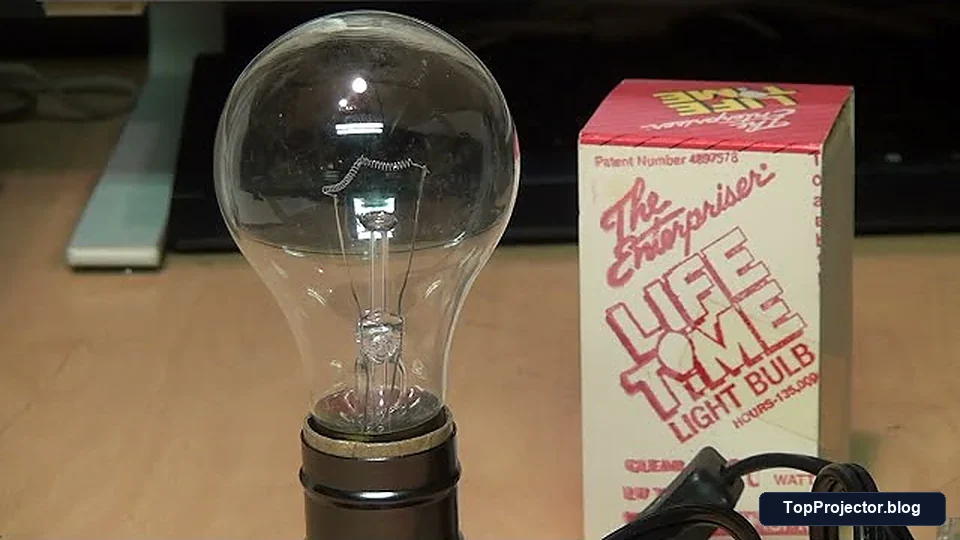
Visible flickering during static scenes points toward failing electrodes. If your image pulses erratically despite stable power input, your lamp module is reaching the end of its useful cycle.
Noticeable color shifting toward a sickly green or purple hue indicates severe electrode erosion, dropping your projector's calibrated color temperature completely out of standard Rec. 709 alignment.
- Noticeable dimming requires increasing contrast settings to compensate.
- Persistent flickering or color shifting disrupts standard SDR viewing.
- Sudden unexpected thermal shutdowns indicate internal overheating risks.
- Sudden dimming warns of imminent mercury arc failure.
Recognizing Catastrophic Lamp Rupture Indicators
Ignoring persistent warning signs can lead to bulb shattering. High-pressure mercury vapor lamps operate under extreme stress, creating a loud popping sound if structural integrity fails completely.
Modern safety housings contain glass fragments effectively inside the module. Always let the projector cool completely before attempting to extract a shattered or compromised lamp housing safely.
- Listen for unusual buzzing or humming noises from the ballast.
- Inspect the exhaust vent for unusual burning odors or smoke.
Flickering and Arc Stability
Persistent image flickering during high-speed gaming sessions points to micro-cracks in the quartz burner tube, drastically worsening your measured input lag performance and optical clarity.
- Unstable arcs can permanently damage internal power ballasts.
Environmental and Maintenance Factors Affecting Light Source Longevity
External environmental conditions dictate how long your bulb survives. Operating your projector in dusty or smoke-filled rooms clogs intake vents, causing rapid overheating and premature arc tube degradation.
Proper airflow is the single most critical variable for thermal management. Neglecting routine air filter cleanings traps damaging heat directly around the delicate optical lamp housing assembly.
Ambient room temperatures exceeding 85 degrees Fahrenheit force internal cooling fans into maximum overdrive, trapping ambient dust inside optical light engines and shortening overall component lifespans.
- Clean foam or mesh air filters every 100 to 300 hours of use.
- Maintain adequate clearance around all chassis exhaust and intake vents.
- Avoid mounting projectors near heat sources like fireplaces or radiators.
- Maintain adequate clearance around projector intake vents.
The Impact of Rapid Cycling and Power Fluctuations
Turning your projector on and off repeatedly stresses fragile tungsten components. Allow the unit to complete its normal cooling cycle before unplugging to prevent thermal shock to the glass.
Dirty power from unstable wall outlets can damage sensitive internal ballasts. Utilizing a dedicated line conditioner protects your expensive optical lighting engine from dangerous voltage spikes.
- Avoid turning the projector back on immediately after a shutdown.
- Invest in an uninterruptible power supply for erratic electrical grids.
Air Filter Cleaning Protocols
Clogged foam air filters restrict vital airflow across polarizing plates, causing localized overheating. Using our throw distance calculator helps ensure proper placement and prevents strain on LCD panels.
- Vacuum mesh intake filters every one hundred operating hours.
Practical Strategies to Maximize Your Projector's Operating Lifespan
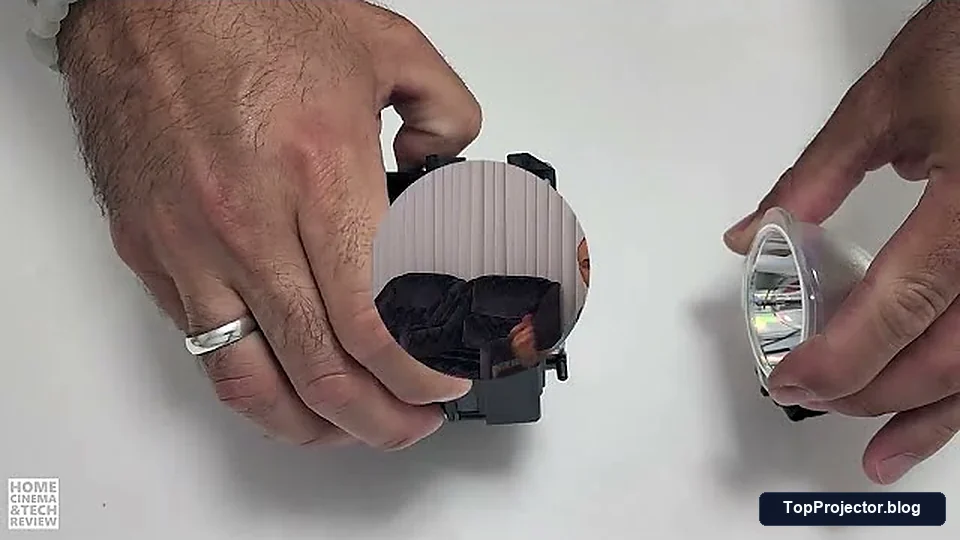
Implementing disciplined operational habits drastically increases your return on investment. Committing to permanent ECO mode usage reduces thermal strain and stretches your lamp hours well beyond standard factory estimates.
Establish a strict monthly maintenance schedule for cleaning exterior housing vents. Removing microscopic dust particles ensures optimal internal cooling fans operate at peak aerodynamic efficiency.
Always allow cooling cycles to complete uninterrupted when powering down, preventing residual heat from warping delicate internal optical glass elements and fragile mercury burner arc gaps.
- Keep viewing sessions consolidated to minimize unnecessary power cycles.
- Use compressed air cautiously to clear stubborn dust from intake grilles.
- Calibrate projector gamma curves to extract maximum perceived brightness.
- Never unplug the power cable during active fan cooldown.
Managing Ambient Light to Protect Optical Components
Fighting high ambient room light forces your projector to run continuously at maximum wattage. Installing blackout curtains creates a controlled darkroom environment that permits lower brightness settings.
Pairing your projector with a high-gain or ambient light rejecting screen preserves contrast. This optical efficiency lets you maintain lower lamp power without sacrificing perceived image pop.
- Install heavy velvet curtains or blinds over nearby windows.
- Select matte grey screens to enhance black levels in light rooms.
Surge Protection and Clean Power
Connecting your high-end home theater projector to a dedicated line-interactive uninterruptible power supply prevents voltage spikes from frying sensitive internal ballast circuits during sudden electrical grid outages.
- Invest in reliable power conditioning equipment.
Deciding Between Replacing an Aging Lamp and Purchasing a New Projector
When an older projector lamp finally expires, owners face a critical dilemma. Weighing the cost of a genuine replacement lamp against upgrading to a modern solid-state laser chassis requires careful math.
Older projectors often lack support for modern 4K resolution, HDR formatting, and low input lag gaming. Sinking money into a dying mercury lamp may delay an inevitable and much more beneficial system upgrade.
When replacement lamp costs exceed 30 percent of a modern upgraded projector's total retail value, investing in a new optical engine makes far more financial sense.
- Calculate total accumulated hours across your current optical engine.
- Evaluate whether your current projector meets modern resolution standards.
- Consider technological leaps in native contrast and color volume.
- Weigh warranty benefits before buying generic replacement bulbs.
When an Upgrade Outweighs Maintenance Costs
If your projector is over eight years old, replacement lamps can be scarce or overpriced. Transitioning to a contemporary laser projector eliminates bulb anxiety entirely while delivering vastly superior HDR performance.
Assess your overall home theater entertainment goals realistically. Modern laser engines offer instant-on convenience and maintenance-free longevity that traditional lamp-based projectors simply cannot match today.
- Check availability of OEM certified replacement modules online.
- Compare modern laser color gamuts against your aging display.
Evaluating Technology Upgrades
Older 1080p lamp-based units struggle to match the wide color gamut and low input lag of modern 4K laser projectors, making complete hardware replacement a smarter long-term home theater investment.
- Solid-state projectors offer superior overall energy efficiency.
Frequently Asked Questions
How many hours do standard projector light bulbs last?
Traditional high-pressure mercury UHP lamps typically last between 2,000 and 5,000 hours before losing significant brightness. Modern solid-state laser and LED engines easily surpass 20,000 hours of total operating time.
Does running a projector in ECO mode really extend bulb life?
Yes, operating your projector in ECO mode reduces electrical current and thermal stress on the arc tube. This practice can increase your overall bulb lifespan by 30 to 50 percent.
How can I check how many hours my projector lamp has used?
Every home theater projector features an internal status menu accessible via the remote control. Navigate to the information or device settings tab to view exact accumulated lamp hours.
What are the primary warning signs that a projector bulb is failing?
Key indicators include noticeable image dimming, washed-out colors, and persistent flickering during static scenes. A sudden burning smell or unexpected thermal shutdown also signals imminent lamp failure.
Should I buy a replacement lamp or upgrade to a new projector?
If your projector is over seven years old or lacks modern 4K HDR support, investing in a new laser model is often wiser. Upgrading eliminates future bulb purchases and delivers vastly superior contrast.